Documents
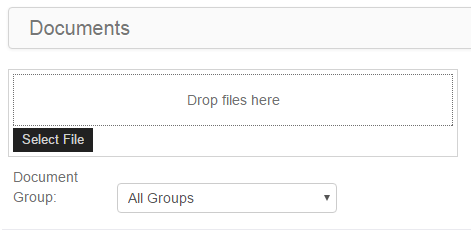
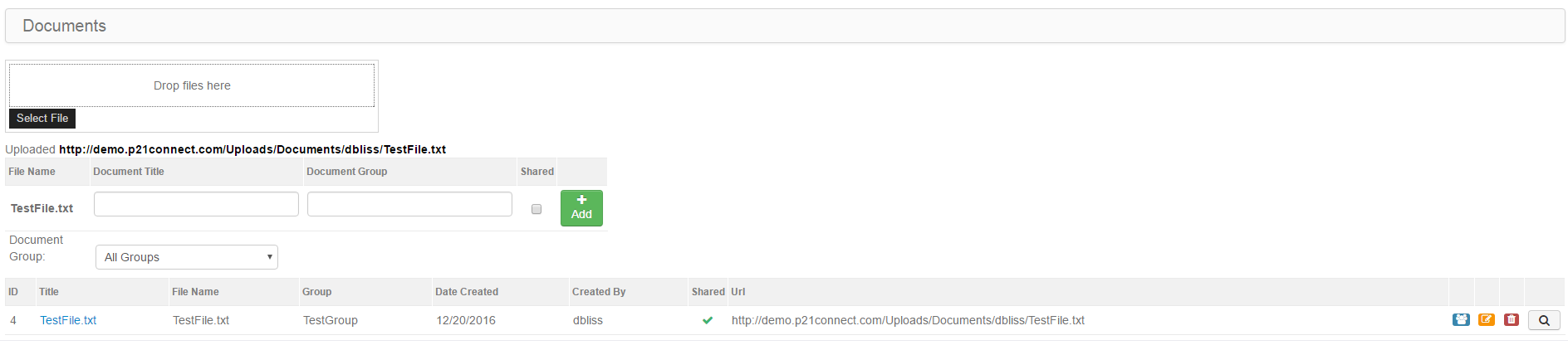
Click/touch Select File to select a file to upload or simply click and drag the file into the Drop Files Here box.
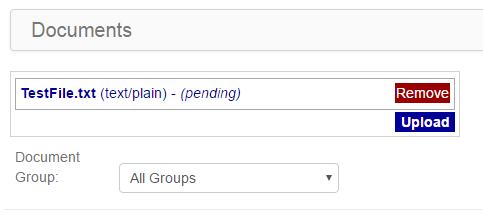
Click/touch Upload to upload the file.
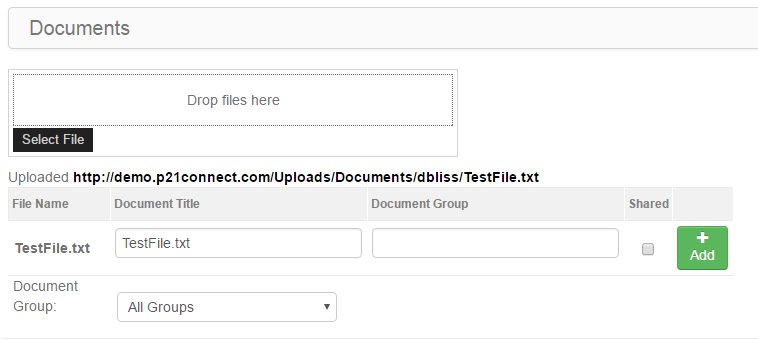
Add the file to a new Document Group or select an existing Document Group to assign it to and then click/touch the
Add button to finalize adding the file/document.
Once the Document has been added, you can edit the settings, view it or remove it.
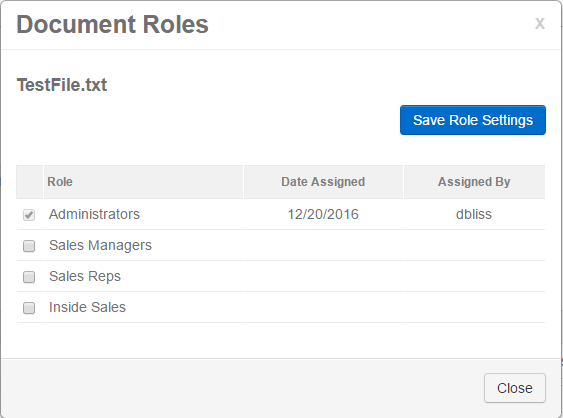
Click/touch the  icon to assign the Document to one or more Web Connect user role type.